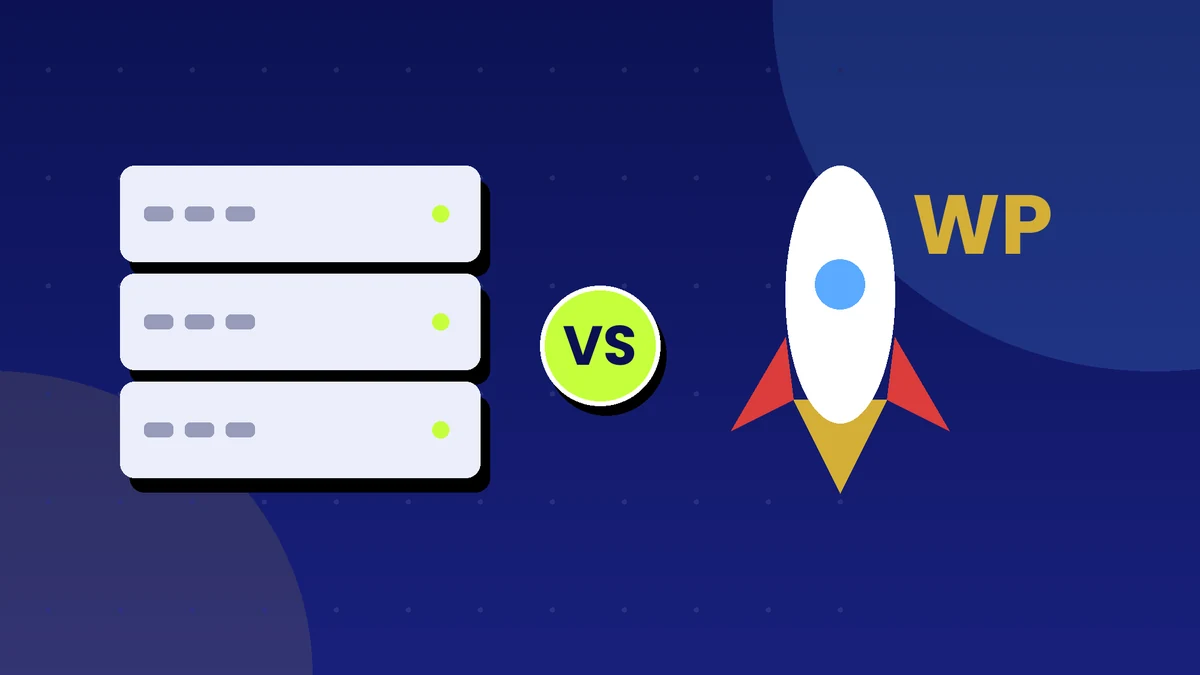
If your blog earns money from ads or affiliate links, your hosting choice affects revenue in ways many people overlook. Slow pages lose visitors, downtime loses impressions, and a hacked site loses everything. The two main options are traditional cPanel hosting, where you manage your own WordPress site, and managed WordPress hosting, where the host handles most of the technical work. Here is how to decide.
What Is cPanel Web Hosting?
cPanel is a popular control panel that sits on top of a web hosting account. It gives you a dashboard to manage files, domains, email, databases and one-click application installers. Shared hosting with cPanel is usually inexpensive and flexible, and it can host WordPress, static sites and other applications.
Advantages
- Low cost: plans are often the cheapest way to host a site.
- Flexibility: you can host several sites, create email accounts, manage databases and upload files directly.
- Familiar tools: file manager, backups and one-click installers are built in.
- Control: you choose your themes, plugins and configuration.
Limitations
- You manage maintenance: updates, security hardening and backups are largely your job.
- Shared resources: on shared plans, other sites on the same server can affect your speed.
- Support varies: many hosts will fix server problems but not your WordPress issues.
- Performance depends on setup: you need caching and optimization plugins to get good speed.
What Is Managed WordPress Hosting?
Managed WordPress hosting is built specifically for WordPress. The provider handles core updates, security monitoring, backups, caching and performance tuning, and offers support staff who know WordPress.
Advantages
- Speed: servers are tuned for WordPress, often with built-in caching and content delivery.
- Security: firewalls, malware scanning and automatic updates reduce risk.
- Backups and staging: daily backups and a staging site let you test changes safely.
- Expert support: staff understand WordPress problems.
- Less time spent on maintenance: you can focus on content.
Limitations
- Higher price: plans cost noticeably more than basic shared hosting.
- Restrictions: hosts may ban certain plugins and limit traffic or storage.
- Less flexibility: you may get less control over server settings or email hosting.
- Visit limits: many plans set a monthly visitor allowance with extra charges above it.
Why It Matters for Monetized Blogs
Speed and ad revenue
Faster pages keep readers longer and make ad networks more valuable. Slow loading can hurt user experience and search performance. Core Web Vitals, Google's measures of loading and stability, are a consideration for ad-heavy pages.
Reliability
Downtime means lost impressions and lost affiliate clicks. Look at a host's uptime record and what it promises, and keep your own monitoring in place.
Security
A hacked site can be blacklisted, lose rankings and have its ad account suspended. Prevention is cheaper than recovery.
Traffic spikes
A viral post can overload shared hosting. Managed plans and better infrastructure handle spikes with less risk.
Cost: Think Total, Not Sticker Price
Compare more than the monthly price.
- cPanel hosting: lower hosting fee, but you may pay for premium security, backup and caching plugins, and you spend your own time on maintenance.
- Managed hosting: higher fee, but it often includes security, backups, caching and support, saving both money and time.
If an hour of your time is worth money, include it in the comparison.
A Practical Decision Guide
Choose cPanel hosting if you:
- Are starting out with a small budget and low traffic.
- Are comfortable handling updates, backups and basic troubleshooting.
- Host several small sites or need custom email and applications.
- Already have a cPanel site, such as many existing small business sites.
Choose managed WordPress hosting if you:
- Depend on your blog for income and cannot afford downtime.
- Expect traffic to grow or spike.
- Prefer to spend your time on content, not maintenance.
- Want staging and expert WordPress support.
Making cPanel Hosting Work Harder
If you stay on cPanel, take these steps:
- Use a lightweight theme and a few trusted plugins.
- Install a caching plugin and enable compression.
- Put a content delivery network in front of your site.
- Schedule automatic backups and store copies off the server.
- Keep WordPress, themes and plugins updated.
- Add security measures such as two-factor login and a firewall plugin.
- Choose a server location close to your audience.
When to Upgrade
Consider moving when your site regularly slows down, you spend more time fixing problems than writing, your monthly ad income clearly exceeds the cost of better hosting, or you suffer repeated downtime.
Action Checklist
- Measure your current page speed and uptime.
- Estimate your monthly visitors and growth.
- List what you will not do yourself, such as backups and security.
- Compare the full annual cost of both options.
- Ask each host about backups, support and traffic limits.
- Set up caching and off-site backups on your current plan.
- Test a migration on a staging copy before switching.
- Review your hosting every year.
Prices and features were checked in October 2026 and can change. Confirm current details on each provider's website before you buy.