- Check the address carefully, because fake sites copy real names with small changes.
- Look for real contact details, clear policies and independent reviews.
- Pay with methods that give you a way to dispute the charge.
The Short Answer
Fake shops and scam apps look more convincing every year, so a quick safety check before you pay is worth the minute it takes. Look at the web address, the seller details, the payment method and what other people say, then decide.
Check the Address and Page
Read the web address letter by letter. Scammers use look-alike names, extra words or odd endings. The page should use https, but a padlock only means the connection is encrypted, not that the seller is honest.
Be careful when a link arrives by message or an advert. Type the known address yourself or use the official app store listing instead.
Check the Seller
Look for a real business name, address, phone number and email, and test that the contact details work. Read the return and refund policy. Search the business name with the word reviews or scam and look at independent sources.
Be wary of prices far below everywhere else, countdown timers that pressure you and sellers who only accept transfers to a personal account.
Check Apps Before Installing
Install apps only from official stores and check the developer name, the number of downloads and recent reviews. Be careful with apps that ask for permissions they do not need, such as contacts or SMS for a simple tool.
For loan apps and investment apps, confirm the company is licensed by the relevant regulator before sharing any identity details.
Pay More Safely
Where possible, use a card or payment service with buyer protection, or pay on delivery for physical goods. Avoid sending money to individuals for goods you have not seen.
If you realise you were scammed, contact your bank at once, report the site to the relevant authority and change any passwords you shared.
Red Flags at Checkout
Be careful if checkout asks for more details than a purchase needs, such as your bank PIN, card PIN or a one-time code sent to your phone. A real shop never needs your PIN.
Also be careful when the payment page looks different from the rest of the site, the address changes to something unfamiliar or the seller pushes you to move the conversation to a private chat to pay by transfer.
Spotting Fake Reviews and Social Pages
Perfect five-star reviews written in the same style, posted on the same day, are a warning sign. Look for detailed reviews that mention delivery time, product quality and problems, and check independent platforms too.
On social media, check how long the page has existed, whether comments are real and whether the account has a verified business presence. Scam pages often copy photos from genuine sellers.
If You Have Already Paid
Act quickly. Call your bank using the number on your card or in the official app and ask about a reversal or dispute. Give the date, amount, seller name and screenshots of the chat and the page.
Change any password you used on the site, especially if you reuse it elsewhere, and turn on two-factor authentication. Report the page to the platform and to the relevant authorities so others are warned.
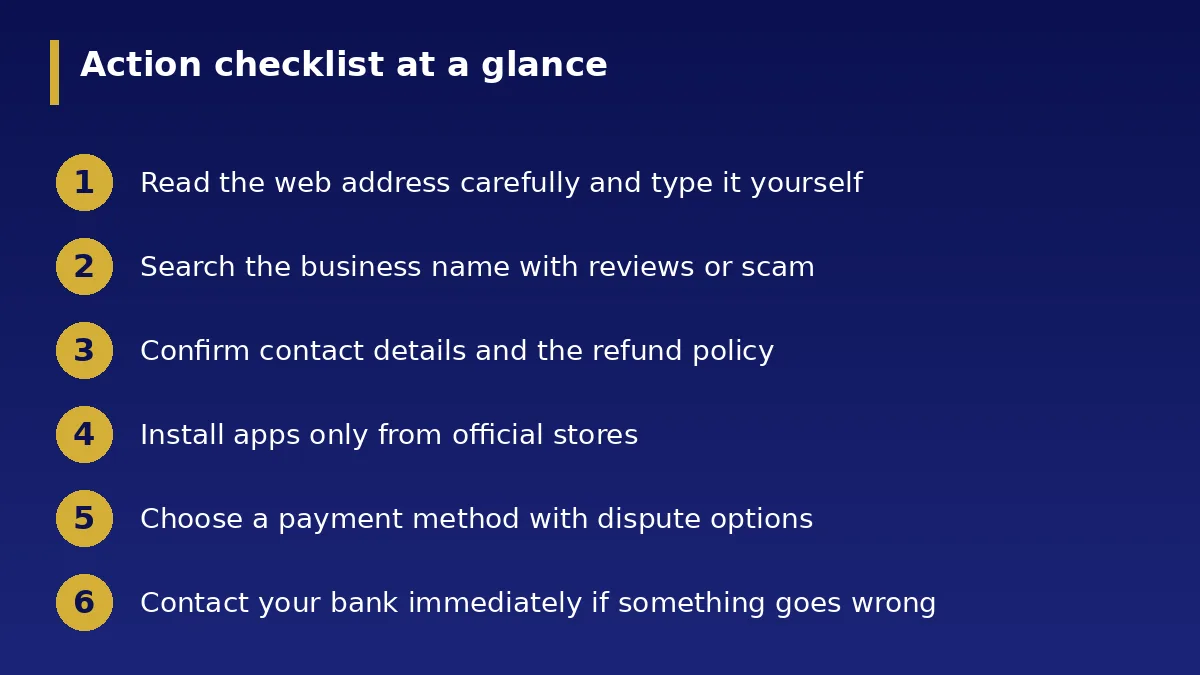
Action Checklist
- Read the web address carefully and type it yourself
- Search the business name with reviews or scam
- Confirm contact details and the refund policy
- Install apps only from official stores
- Choose a payment method with dispute options
- Contact your bank immediately if something goes wrong