- A VPN moves trust from your internet provider to the VPN company, so trust is the real test.
- Look for a clear no-logs policy backed by an independent audit.
- Use the refund window to test speed and the streaming sites you care about.
The Short Answer
A VPN is worth paying for if you use public Wi-Fi, travel, work remotely or want to keep your browsing away from your internet provider. It is not a magic shield. It does not make you anonymous, it does not stop phishing, and it does not replace strong passwords. Choose one based on trust and fit, not on the biggest discount banner.
What a VPN Really Does
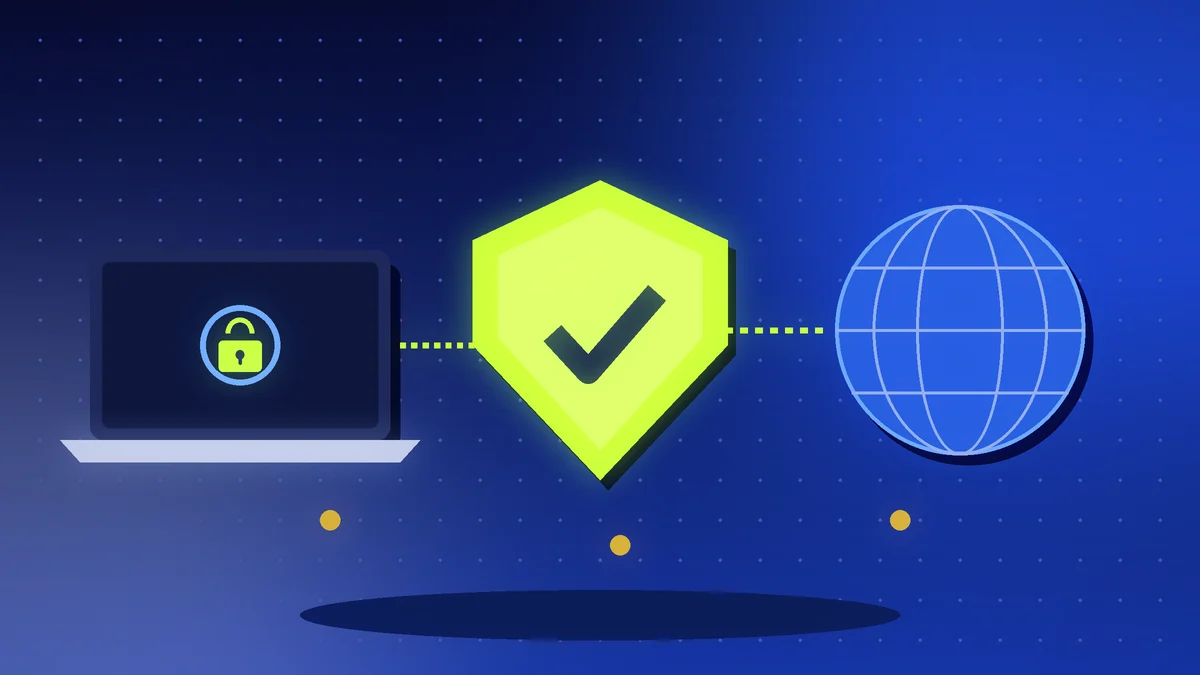
A VPN encrypts the connection between your device and the VPN company's server, then sends your traffic to the internet from that server. Your internet provider and anyone sharing your Wi-Fi can no longer read what you do. The websites you visit see the VPN server's address instead of yours.
The catch is that you are moving trust. Your provider no longer sees your browsing, but the VPN company can. That is why the company behind the app matters more than any feature list.
The Five Things to Check
Logging policy. Look for a clear no-logs policy written in plain language. Better still, look for an independent audit published by the company. A claim without proof is only a claim.
Who owns it. Find out which company runs the service and where it is based. Be careful with free VPNs from unknown developers. If you are not paying, your data is often the product.
Speed and servers. Pick a provider with servers near you and in the countries you need. Use the free trial or refund window to test speed at your usual times of day, because evening speeds in Lagos can differ from the morning.
Devices and apps. Check that it supports your phone, laptop and router, and how many devices one account can cover.
Kill switch. This feature cuts your internet if the VPN drops, so nothing leaks. It should be switched on by default or easy to enable.
Common Marketing Claims to Question
Be careful with phrases like “military-grade encryption” and “100% anonymous.” Most good services use the same standard encryption, so it is not a reason to pick one over another. Also be careful with very long “lifetime” deals from unknown brands, because a service that disappears cannot protect you.
Streaming claims need testing too. Services change their blocking rules often, so a VPN that works today may not tomorrow. Use the refund period to try the platforms you care about.
Pricing and Payment
Monthly plans cost more, while two-year plans look cheaper but lock you in. Start with a monthly plan or a plan with a money-back window, then commit once you are happy. Prices and refund terms change, so confirm them on the provider's own website before paying.
When a VPN Will Not Help
A VPN will not protect you if you tap a fake link, install a malicious app or reuse the same password everywhere. Pair it with a password manager, two-factor authentication and caution with unknown messages.
Action Checklist
- Decide why you need a VPN: public Wi-Fi, travel, privacy or work
- Read the logging policy and look for an independent audit
- Confirm the company name, owner and base country
- Test speed during the refund or trial window
- Turn on the kill switch and auto-connect
- Use it with a password manager and two-factor authentication