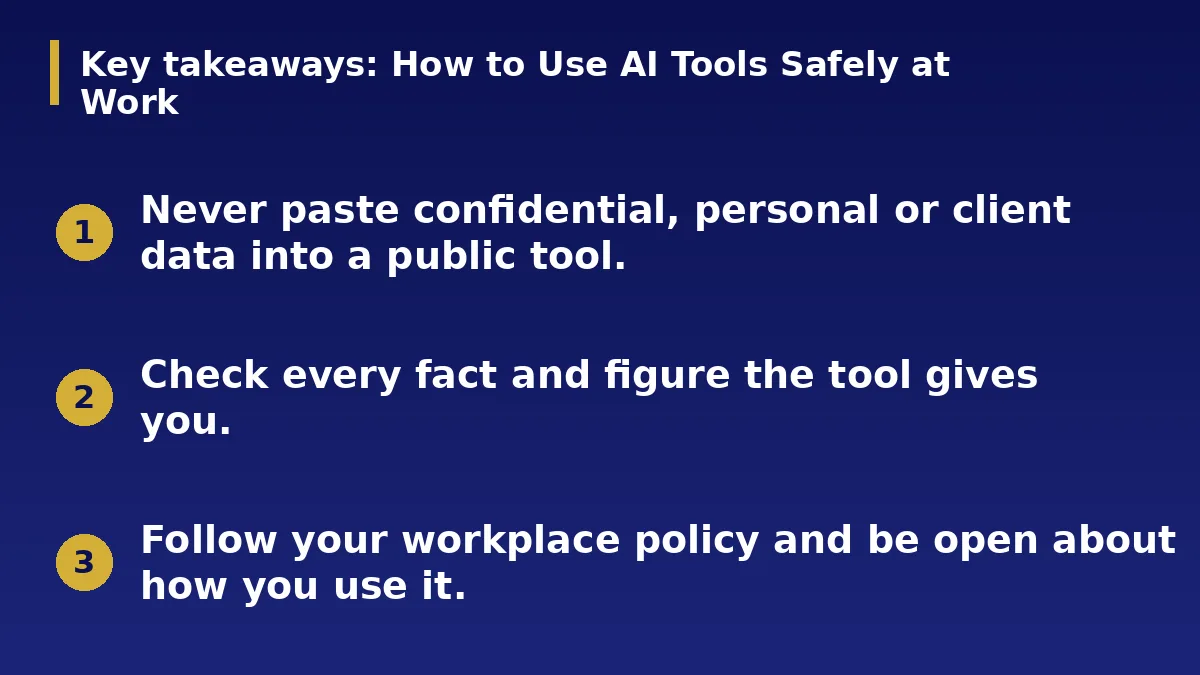
- Never paste confidential, personal or client data into a public tool.
- Check every fact and figure the tool gives you.
- Follow your workplace policy and be open about how you use it.
The Short Answer
AI tools can save time on drafting, summarising and brainstorming. They can also leak sensitive information and produce confident mistakes. Use them as an assistant, keep control of the final work and follow clear safety rules.
Protect Data
Do not paste passwords, client details, financial records or private documents into a public tool unless your organisation has approved it and explained how data is handled. Remove names and identifying details when you can.
Read the privacy settings and find out whether your inputs are stored or used for training.
Check the Output
AI can invent facts, sources and numbers. Verify anything important against reliable sources before you use it. Be especially careful with legal, medical, financial and technical advice.
Read the result as if a junior colleague wrote it: useful, but needing review.
Follow Policy and Be Honest
Ask whether your workplace has rules on AI use. Some roles and clients require disclosure when AI helps with the work. Giving credit builds trust and protects you if questions arise.
Do not use AI to deceive others, copy protected work or impersonate people.
Use It Well
Give clear instructions, supply the context you can safely share and ask for drafts you can improve. Keep your own judgement and style in the final version.
Save prompts that work for repeated tasks, and review your habits now and then as tools and rules change.
Good Uses and Risky Uses
Good uses include drafting a first version, summarising a long document you are allowed to share, brainstorming ideas, checking grammar and explaining unfamiliar topics. Risky uses include deciding on a hire, giving medical or legal advice, or sending client information to a tool without approval.
If a mistake could harm someone, a human should make the final decision.
Spotting Mistakes and Bias
AI can sound sure while being wrong. Check names, dates, numbers and sources, and ask the tool to explain its reasoning. Be alert to bias, such as stereotypes in writing or images, and correct it before you publish.
When the stakes are high, consult an expert instead of relying on a tool.
Build Good Habits
Keep a short list of what is approved at your workplace and what is not. Store sensitive work in approved systems only. Record when AI helped so you can explain your process.
Train your team too. Shared rules prevent accidents and make good use easier.
Action Checklist
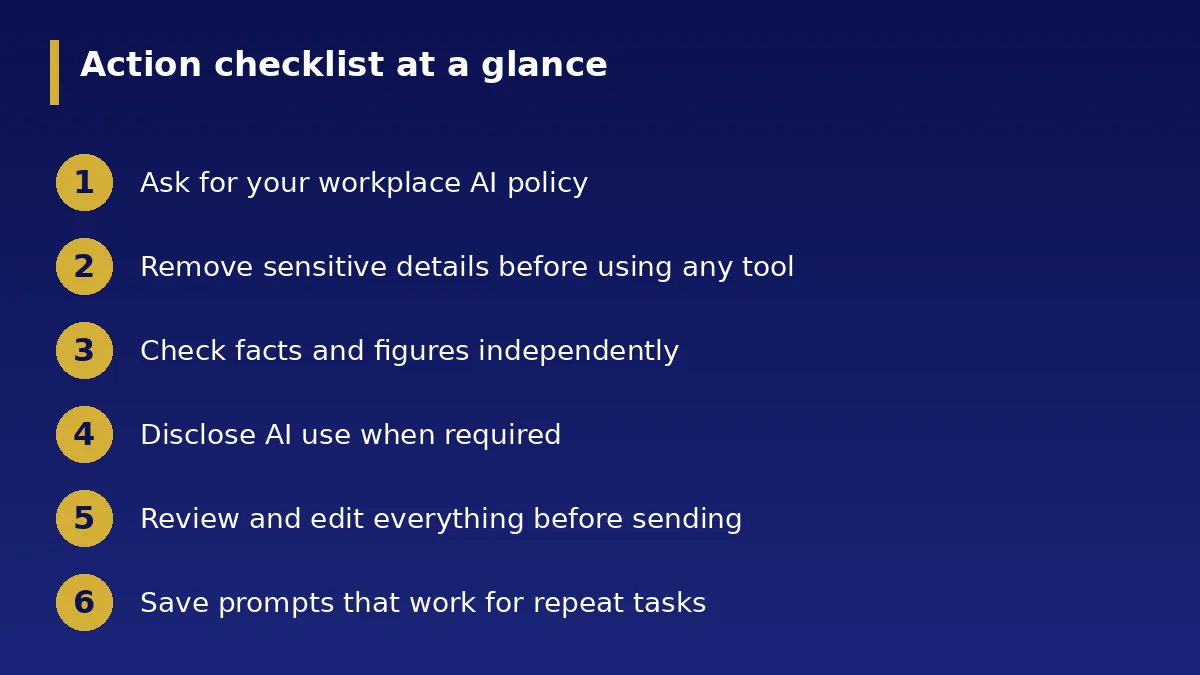
- Ask for your workplace AI policy
- Remove sensitive details before using any tool
- Check facts and figures independently
- Disclose AI use when required
- Review and edit everything before sending
- Save prompts that work for repeat tasks