- Public Wi-Fi is convenient but not private, so avoid sensitive tasks on it.
- Confirm the network name with the venue, because criminals create look-alike hotspots.
- Use your own mobile data for banking and important accounts.
The short answer
Free Wi-Fi in cafes, airports, hotels and events is useful, but you share the network with strangers and you cannot tell who runs it. Most modern websites use encryption, which helps. Even so, a few habits reduce the risk much further. This guide explains what to do and what to leave for your own mobile data.
What can go wrong
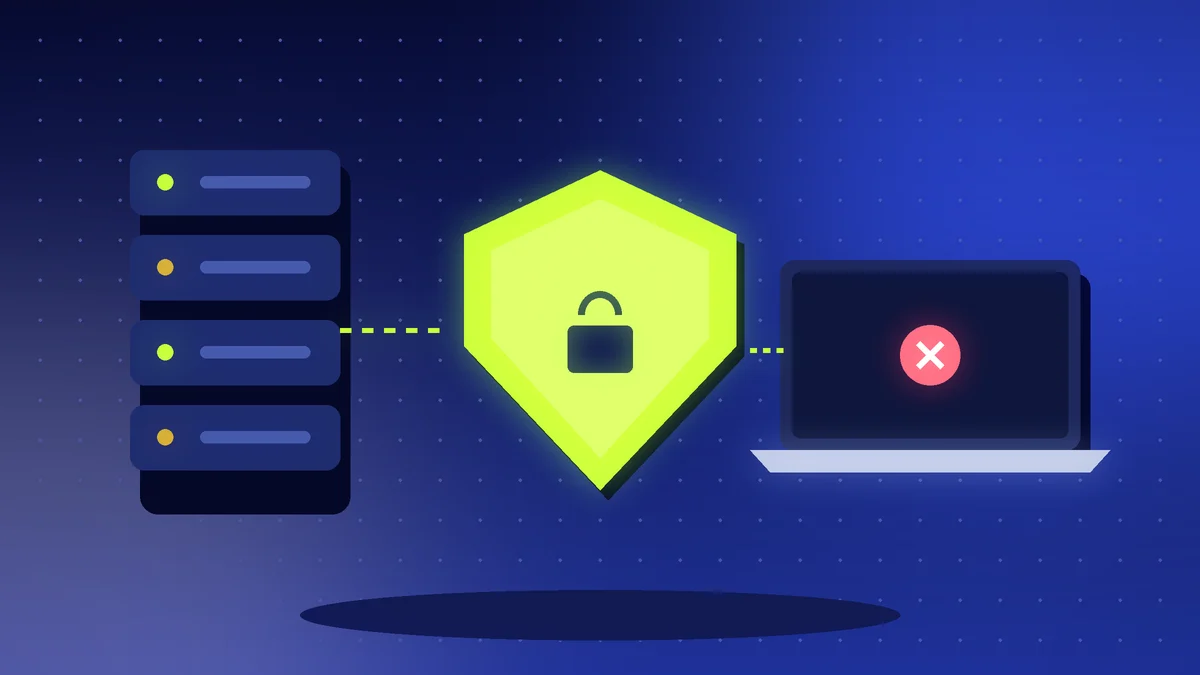
- Fake hotspots: an attacker sets up a network with a name similar to the real one, such as “Cafe_Free_WiFi”, and watches what you do.
- Snooping: on open, unprotected networks, other users may see unencrypted activity.
- Fake login pages: a page may ask for your email, card or phone number before giving access.
- Malware: unsafe downloads or fake update prompts can install harmful software. See fake apps and malware.
Safer habits
- Ask a member of staff for the correct network name and password.
- Connect only to networks you trust, and turn off automatic joining of open networks.
- Check that websites use https, shown by a padlock in the address bar.
- Avoid banking, shopping and important logins on public Wi-Fi. Use your mobile data instead.
- Turn off file sharing and Bluetooth visibility while you are out.
- Log out of accounts when you finish, and forget the network afterwards.
- Keep your phone and apps updated, because updates fix security problems.
Should you use a VPN?
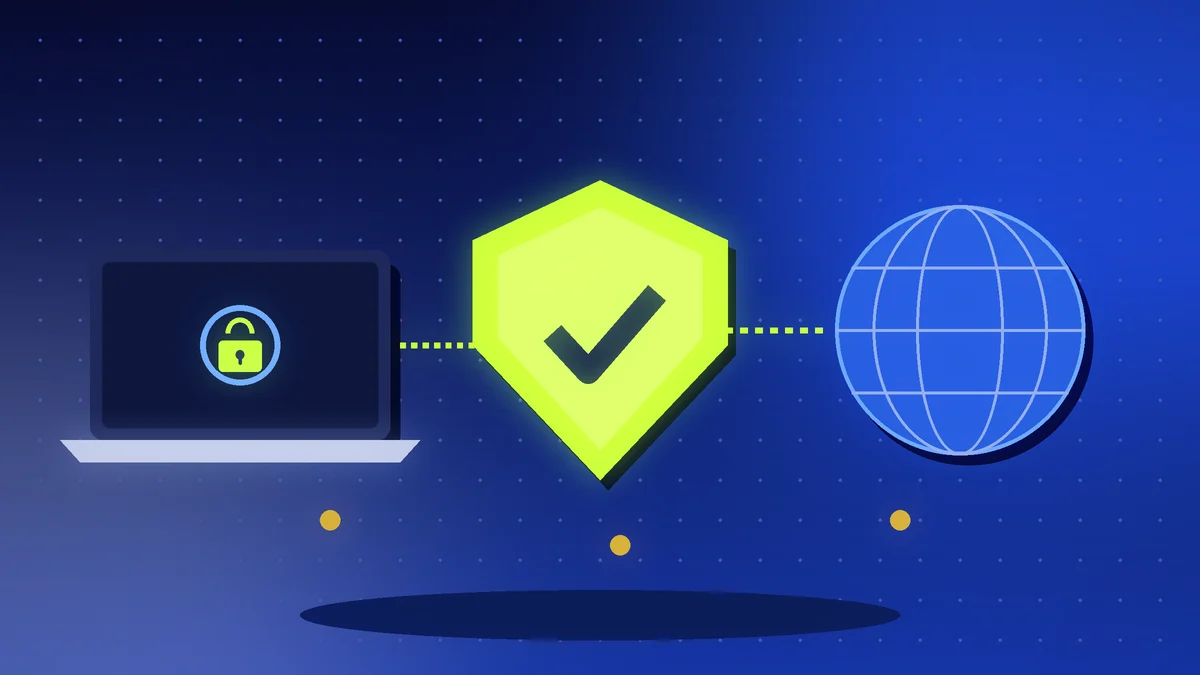
A VPN, or virtual private network, creates an encrypted tunnel between your device and a server, which makes it harder for others on the same network to see what you do. It is a helpful extra layer on public Wi-Fi, but it is not magic. Choose a trustworthy provider, because the provider can see your traffic. Read how to choose a VPN for what to look for.
Use your own connection
- Your phone’s hotspot feature creates a private network from your mobile data. Protect it with a strong password.
- Watch your data allowance. See saving mobile data.
- Your home or office Wi-Fi is a better place for sensitive work. See fast and secure home Wi-Fi network.
Protect your accounts anyway
- Turn on two-step verification. See two-step verification compared.
- Use a password manager so you never type passwords into the wrong site. See password manager and two-factor login.
- Be careful with pop-ups and requests for personal details. See phishing emails and SMS scams.
For events, studios and small businesses
- If you offer guest Wi-Fi, keep it separate from the network that holds your files and payment devices.
- Use a strong password and change it regularly.
- Put a simple notice on the wall with the right network name to prevent fake ones.
- See security habits for small teams for team habits.
Quick checklist
- Confirm the network name with staff
- Avoid banking and sensitive logins
- Use https and keep software updated
- Consider a trusted VPN
- Use mobile data for important tasks
- Log out and forget the network afterwards
Key points to remember
Public Wi-Fi is fine for reading the news or watching a video, but treat it like a public place: do not do anything private there. When it matters, switch to your own connection.